



Spinanzia Casino Login and Registration
You can browse our platform all you want, but to have a true casino experience and fully enjoy what we have to offer, you need to create an account. Registration won’t take long, and we greet our new players with a welcome bonus. If you already have a profile, just use the Spinanzia login form to authorize.



Spinanzia Registration Process
Account registration at Spinanzia Casino gives you a lot of benefits from the very beginning. You start with a welcome bonus of up to €2,500 + 250 free spins and get full access to our other bonuses and a 6,000-game collection. Playing in demo mode isn’t as exciting as placing real bets and being able to cash out your winnings. After authorization through the Spinanzia login, you can also track your gaming and log history and set gambling limits to play responsibly.
We allow only one active account per user and IP address to prevent money laundering. Users under 18 also cannot register at our online casino.
Create Account
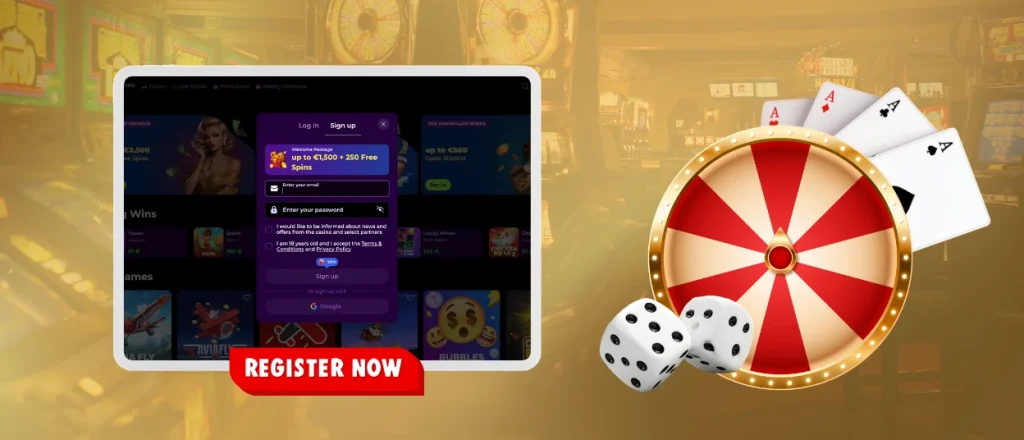
Players can complete Spinanzia registration in a few simple steps:
- Visit the official Spinanzia Casino website and click the “Sign Up” button in the upper-right corner.
- Fill in a valid email that you will use here and come up with a solid password (6 or more characters).
- Enter the promo code to get additional gifts if you have one.
- Check the boxes to confirm you’re at least 18 and that you’ve read and understood our Terms & Conditions.
- Make sure your info is correct and submit the form.
You will immediately receive a letter with the link to confirm your email for the Spinanzia login. We also ask our players to fill in another form with their personal data. That includes full name, date of birth, address and phone number. We will use this information later for an identity check.
Spinanzia Login to Your Account
Once you register, you can use your Spinanzia Casino login to authorize on the platform. To do so, you need to tap the “Log in” button and enter your credentials. Don’t worry if you’ve forgotten the password, as you can reset it by clicking “Forgot password?” in the Spin Anzia login form. After you authorize, you can freely manage your account information, make financial transactions, create a list of favorite games and much more.
Spinanzia Casino Verification
As we mentioned, players must pass the identity check and receive account approval before making their first withdrawal at Spinanzia. The Know Your Customer policy is an important part of our security that allows us to confirm there are no minors and bots on our platform. To pass verification and confirm the information on the Spinanzia register, players must provide the documents that are mentioned in the table.
| Document type | What is accepted | Requirements |
| Proof of identity | Passport, ID card, driver’s license | The documents must be valid and clearly show your full name, photo, and date of birth |
| Proof of address | Utility bill, bank statement, tax bill | The bill or statement must be issued within the last 3 months. Your full name and home address should match what’s in your profile |
| Proof of payment | Photo of the card, bank statement, e-wallet screenshot | You can blur the middle eight digits of the card. The wallet screenshot should show your name and ID |
Our specialists will check all your documents within 48 hours. Make sure you send everything in good quality so verification will be faster.
Account Access on Multiple Devices
Users can play from any device they want with the same account. You can just open our website or install the app and enter your user login. The information will automatically sync when you switch between computer and mobile, so players will not lose their deposits or settings.
FAQ
What should I do if I forgot my username or email?
You only need your email and password to log in, so it’s not a problem if you forgot your username. But in case you don’t remember your email address, it’s better to contact our support team via live chat. Our specialists will help you to resolve this problem.
How can I verify my identity after account access issues?
Our security team may ask you to send a selfie with your passport or ID card and provide us with other documents that we might need for an identity check.
What should I do if my account has been temporarily locked?
If your account has been locked, you should first look for an official notification that explains the reason and your further steps. It should be in your inbox, so check the spam folder as well. You can also start a live chat with our customer support and explain your situation. Be ready to show your documents to prove you own the account.


