



Download Spinanzia App: Mobile Casino Gaming
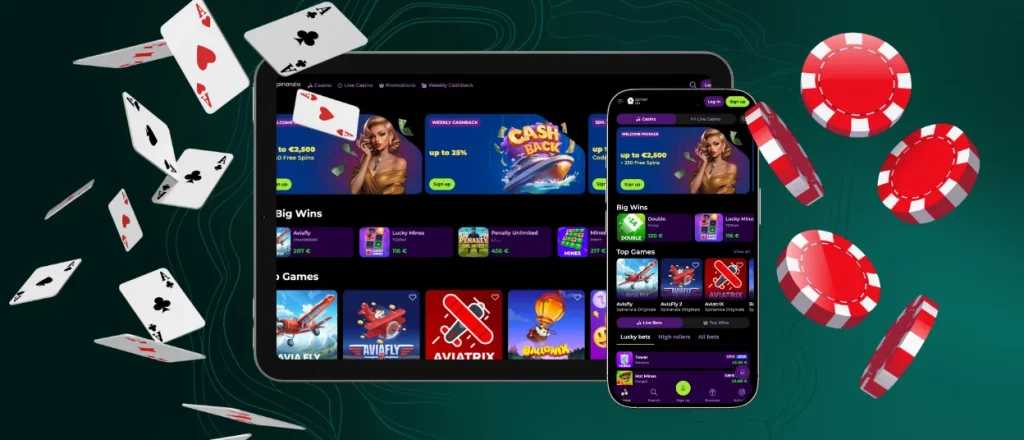
More players prefer mobile gambling to playing on their computers, and that’s a statistical fact. We’re not behind on trends, and our players can install the Spinanzia app to access our online casino whenever they want.


Spinanzia App Features
Our app works with all devices and operating systems. With a simple Spinanzia app download from our website, you can install it on your Android or iPhone and start playing right away. We developed a progressive web application (PWA) that works and looks like our website. You will not have trouble navigating it. The design adapts for mobile screen size.
When you log in, all of your account data syncs automatically across your devices. You can always check your current balance, gameplay history, and other parameters, regardless of the device you use to play. Players can also access our entire library of games, bonuses, and tournaments through the Spin Anzia app.
With PWA, you can freely choose the device you want to play from or easily switch between your gadgets. You can see the comparison of two versions and decide for yourself what suits your gameplay better.
| Aspect | Mobile app | Browser version |
| Access | You can access Spinanzia Casino with one tap on its icon. | You need to launch your browser first, then find our website to play. |
| Speed | Because of the caching feature of PWA, it loads quickly and functions even with a poor internet connection. | Also loads fast, but how well it works depends on the browser and the internet connection. |
| Storage space | A lightweight application that takes a little space. | It works through the browser, so it doesn’t need separate storage on your device. |
| Battery usage | Long sessions or high-resolution live dealer streams can make the battery run out faster. | Has no effect on the battery. |
Spinanzia App for Android OS
You don’t need to download a heavy APK file to have the Spinanzia app on your Android device. Players can just launch our online casino from any browser and enjoy slots, live casino games and instant wins. The website is fully compatible with smartphones and will match your screen size.
Install on Android
There are two options for you to install the Spin Anzia app on your smartphone or tablet:
- You can find the “Casino App” banner on the Spinanzia official site and download it from there.
- You can create a shortcut from the browser.
If you choose the second option, you will first need to launch the Spinanzia website from your mobile browser. Then, you need to open the three-dot menu near the address bar and scroll until you see the “Add to home screen” option. Tap it and add the branded icon of our mobile casino to your home screen.
Please remember that there is no separate Android app and Spinanzia APK is nonexistent, so don’t download any suspicious files from third-party websites or Google Play.
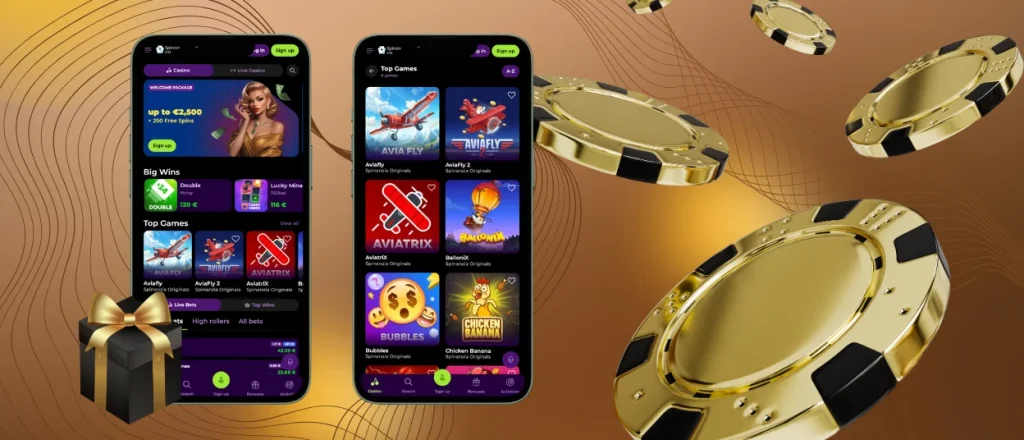
Spinanzia App – iOS
We also don’t have a native iOS app for Spinanzia Casino, so you don’t need to search the App Store or deal with their availability issues. You can use the Safari browser to play at our mobile casino without installing anything at all. Everything works the same as on a computer, so you can log in, manage your account, and play as you like.
For quicker access and smoother gaming, you can install the Spinanzia mobile app as a shortcut. It just takes a few minutes to set up. All you need to do is open our website in Safari and tap the share button, then pick “Add to home screen” and you have our icon on display. Now you can launch our platform with one tap. You can also enable 2FA and Face ID or Touch ID to add another level of security to your account.
Spin Anzia Casino – Desktop Version
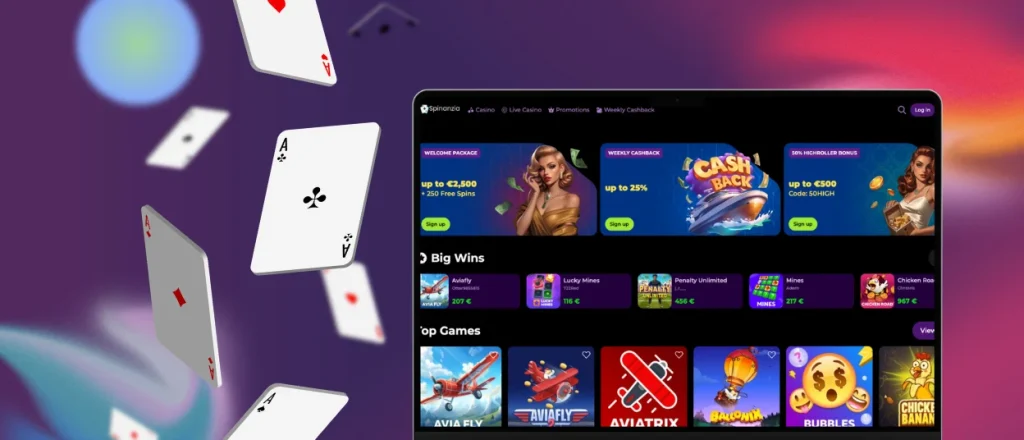
If mobile betting is not for you, keep playing from your computer or laptop. Spinanzia Casino works perfectly on Windows and macOS through any modern browser. You can pin the casino page so you don’t have to search for it every time or use the Spinanzia download app option to install our application on your PC. As with mobile devices, you can either find and tap the “Casino App” banner to download it or create a shortcut by clicking on the installation button in the address bar.
Device Compatibility
We decided to develop a progressive web application instead of a native one so you can play from any device you want. The Spinanzia Casino app works with any operating system, our players can enjoy mobile slots on their iOS or Android devices or continue to play on their PCs and laptops. The information in your profile is not tied to the device you use but is stored on our servers. That’s why you can easily switch between your gadgets. All the changes you make while playing from mobile also apply on your PC, so you can make deposits, set game limits and more from anywhere.
FAQ
Is the app optimized for tablets and larger screens?
Yes, the Spinanzia app adjusts to any screen size and has touch controls in place. So it doesn’t matter where you play, your overall experience will not be different.
What is the Spinanzia PWA app?
PWA stands for progressive web application and it’s the type of app that we developed for the Spinanzia platform. In short, it is a website that acts like a native app for mobiles but doesn’t need to be downloaded as a separate file from the app store.
Are all Spinanzia Сasino games available in the PWA version?
There’s no difference between the web and PWA versions, as they are basically the same thing, so all our games and platform features are available there.


